By Zach Jacobson, Seeker Creative Studio
A launch budget has a way of making every line item look negotiable. By the time you get to photography and the website, “good enough for now” starts sounding pretty reasonable.
Sometimes it is. A smaller launch can be a smart launch.
The expensive part starts when the cut removes something a customer needs to make a decision. Say you save on the shoot, then launch without a useful fit photo. You rush the copy, then spend your evenings answering questions the product page should have handled. Eventually, you rebuild the page around the information you skipped.
That's the version of cheap creative worth avoiding. The invoice alone won't tell you whether you made a good call.
Start with customer questions
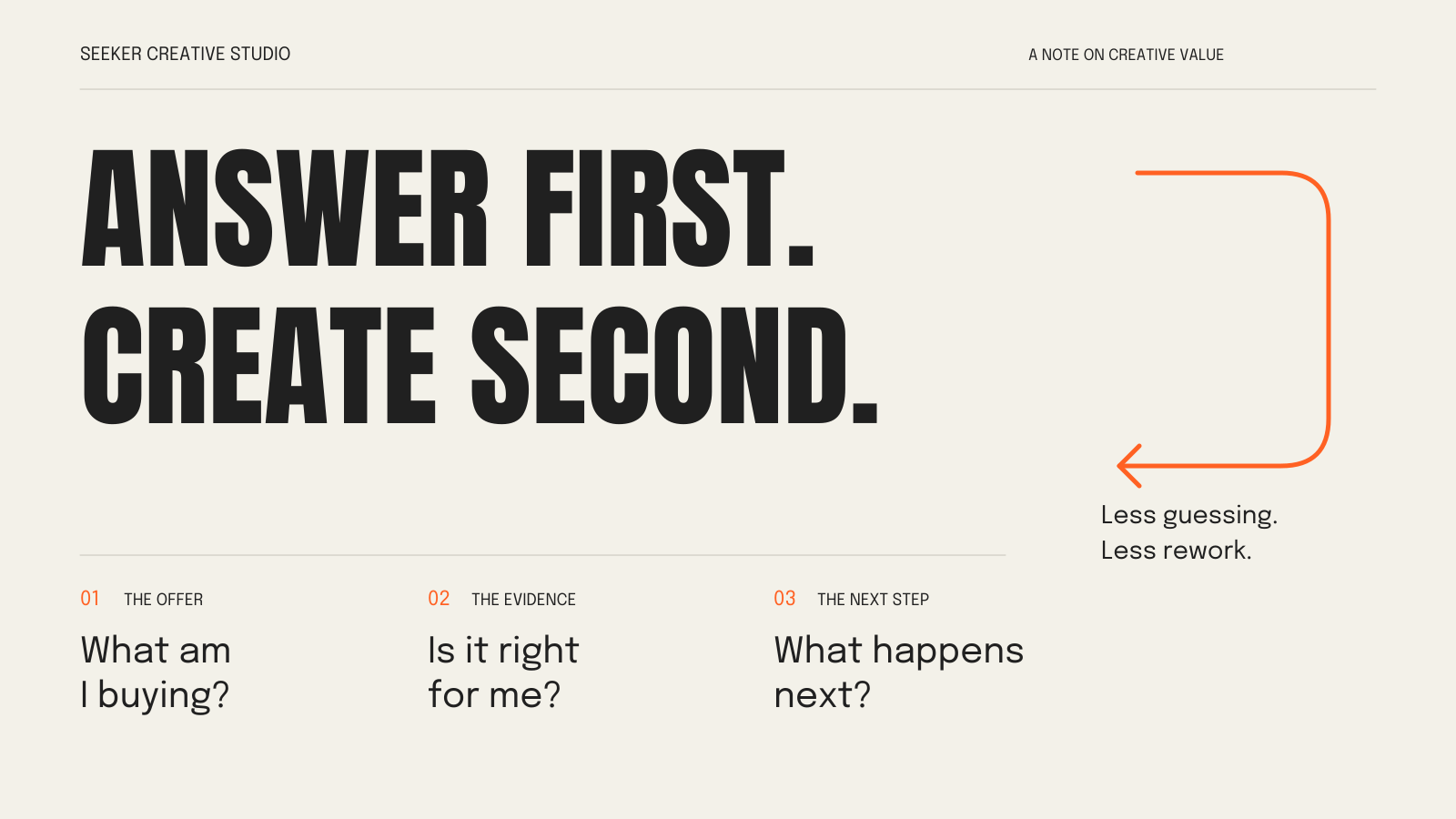
Your storefront, photography and copy share a job: help someone understand what you're selling, decide whether it's right for them and know what happens next.
A beautiful jacket photo might get attention. A customer still needs to see the cut, understand the fabric and choose a size. If they're buying it for a trip, shipping information matters more than another atmospheric shot of a mountain.
For a service business, the unanswered questions are different. “Thoughtful solutions for ambitious brands” leaves a prospect doing the work. What problem do you solve? What does the engagement include? Can you show relevant work? How do they start?
Creative quality includes answering those questions. Visual polish helps, but it can't supply missing information.

One photo.
One part of the answer.
- What you can see
- The back graphic. The hoodie in context.
- What still needs an answer
- Fabric, sizing and the fit from other angles.
Protect these five things
A clear offer. Say what you sell, who it's for and why someone would choose it. Start with language a customer would actually use. If you can't explain the offer without a paragraph of adjectives, resolve that before designing around it.
Evidence people can inspect. For apparel, that might mean an on-body fit photo, fabric and construction details, a usable size guide and honest care instructions. For a service, show a relevant example and explain the problem, your scope and the work delivered. Claim results only when you can substantiate them. Show the work. Explain what you actually did.
Key touchpoints that agree. The ad, landing page and product page should describe the same offer. Photography should represent what arrives. A service page shouldn't promise a comprehensive engagement while the inquiry response describes a much narrower package. Resolve the mismatch before decorating it.
A working next step. Walk through buying or inquiring on your phone. Check the size selector, shipping details, form fields and confirmation message. Ask someone unfamiliar with the site to try the task without coaching. Watch where they hesitate. Fix the point of confusion rather than explaining it away.
Work you can maintain. Know who can update a price, replace a photo or change a service description. Get the editable files, appropriate usage rights and account access you need. A simple site you can keep accurate is a better fit for a small team than one that needs a specialist for every routine change.
Where a smaller budget can work harder
Start with fewer strong pages or a tighter product range. Every additional page needs decisions, copy, images and upkeep. A page you don't need yet is a perfectly reasonable place to save.
Plan one focused shoot around a shot list. Identify the questions each image must answer, then capture the details and useful crop variations while the product, location and people are already there. Don't discover after the shoot that every image is too wide for the product page.
Use a sensible template. Affordable designers, templates and AI tools can all contribute to good work. Someone still needs to own the decisions, check the facts and test the finished experience. A premium price doesn't remove that responsibility either.
Postpone decorative animation, elaborate page transitions and custom features with no clear job. Keep the information and functionality a buyer needs. There's plenty of room for personality without making everything bespoke.
Make the tradeoff before the rework
Before you spend
Before approving a cut or an upgrade, ask:
What decision does this help a customer make?
What evidence do we have this is a problem?
Will fixing it later force us to redo other work?
Look for evidence in customer questions, sales conversations and direct observation. If everyone can complete the task and nobody needs the extra feature, leave it alone. If people keep asking about sizing, another homepage treatment probably isn't the priority.
Pay particular attention to decisions other work depends on. An unclear offer can send the copy, page structure and shoot in different directions. Clarifying it first is less disruptive than discovering the mismatch after all three are finished.
Choose one important journey this week. Follow it from the first impression to purchase or inquiry, list the unanswered questions, and fix the most consequential gap. You don't need to rebuild the whole brand to make the next decision easier. Don't buy a full rebrand to solve a confusing product page.
If you can name the missing answer and update the page safely, handle it yourself. If the offer is unclear or the fix affects copy, photography and site structure, get help defining the job before commissioning more assets.
For help with the website side, see how we approach web design or send us your site and where customers get stuck.
Keep the scope lean. Be honest about what the customer needs. Cheap creative gets expensive when the same unanswered question sends you back to pay for the work twice.