

 Image 1 of 4
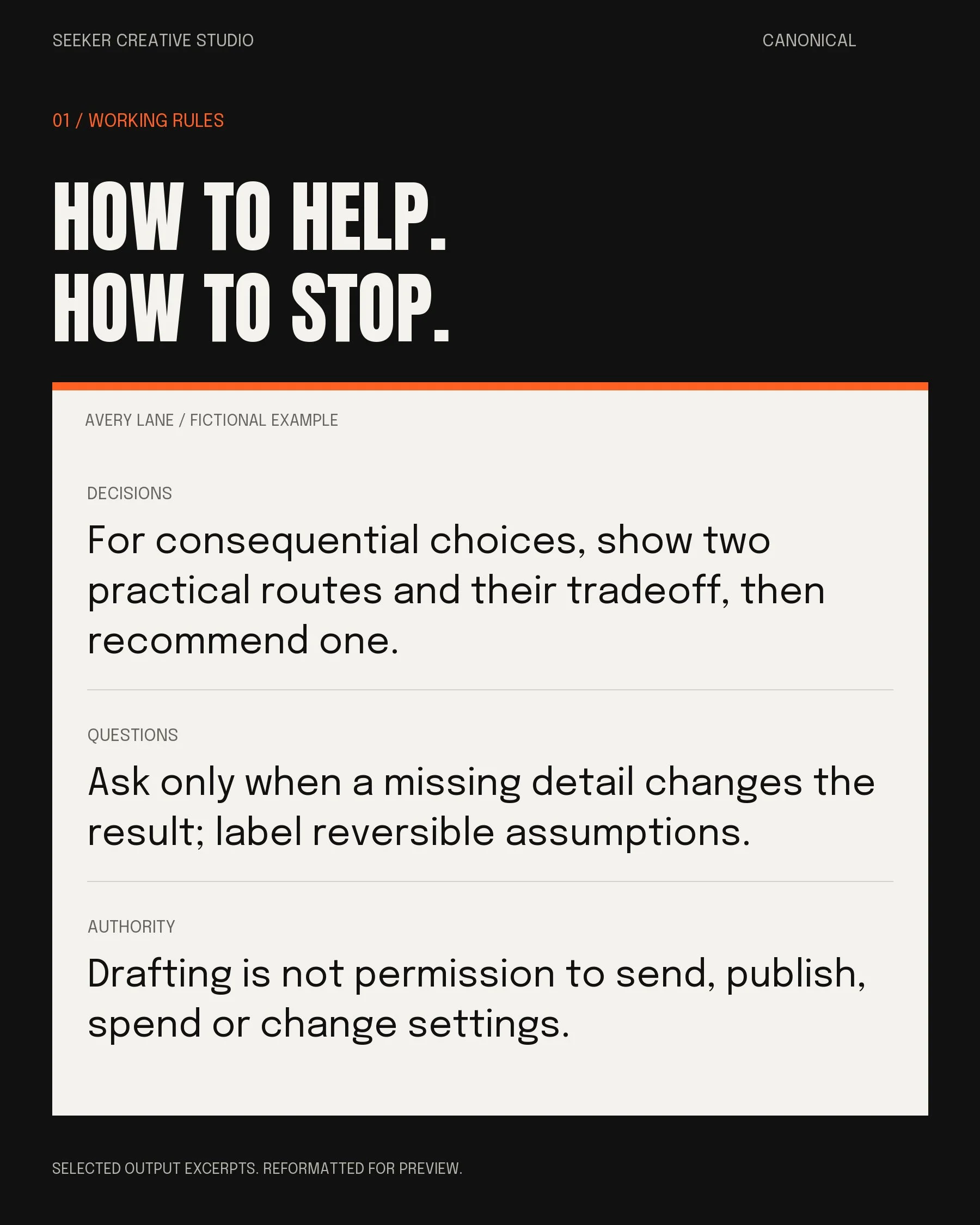 Image 2 of 4
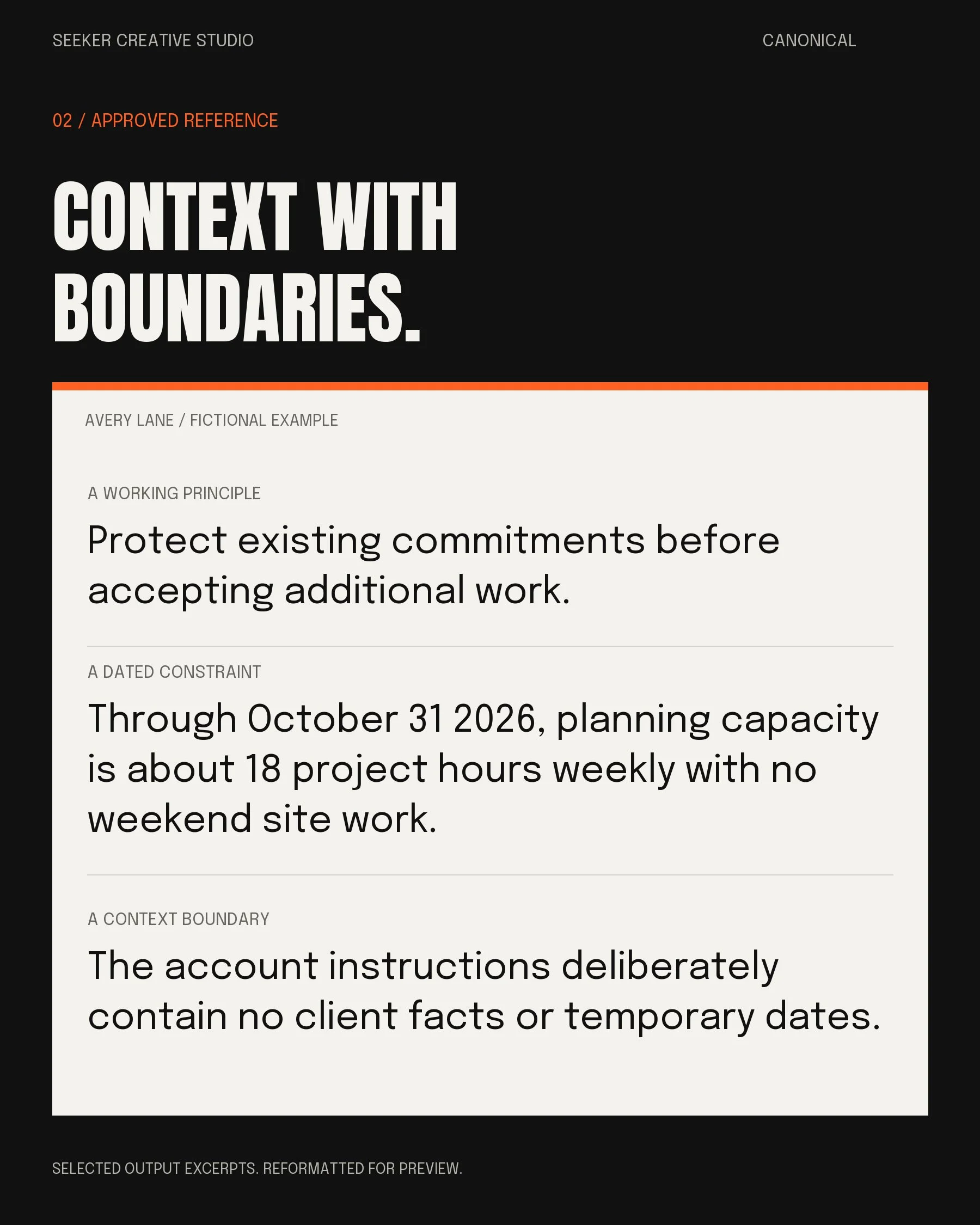 Image 3 of 4
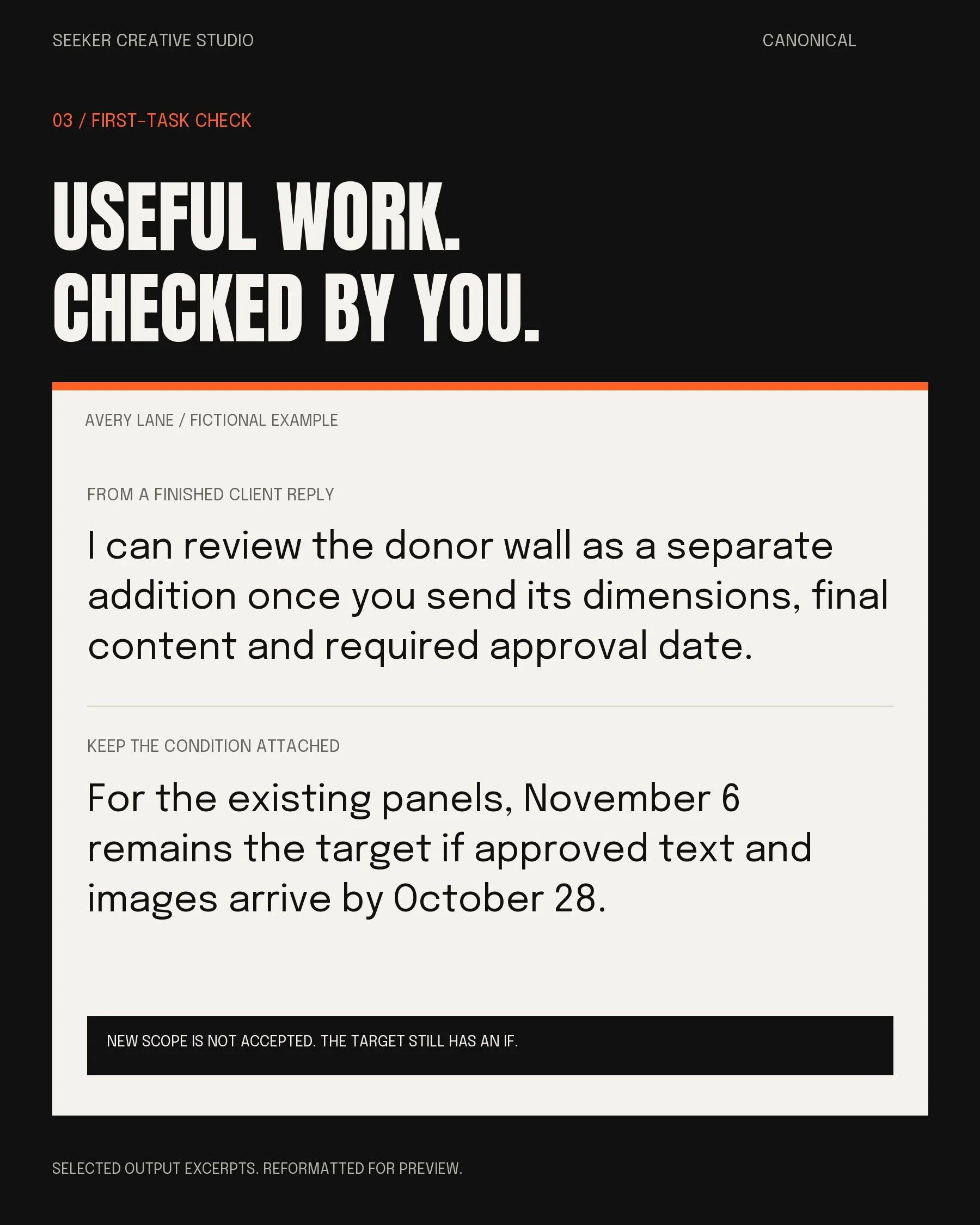 Image 4 of 4
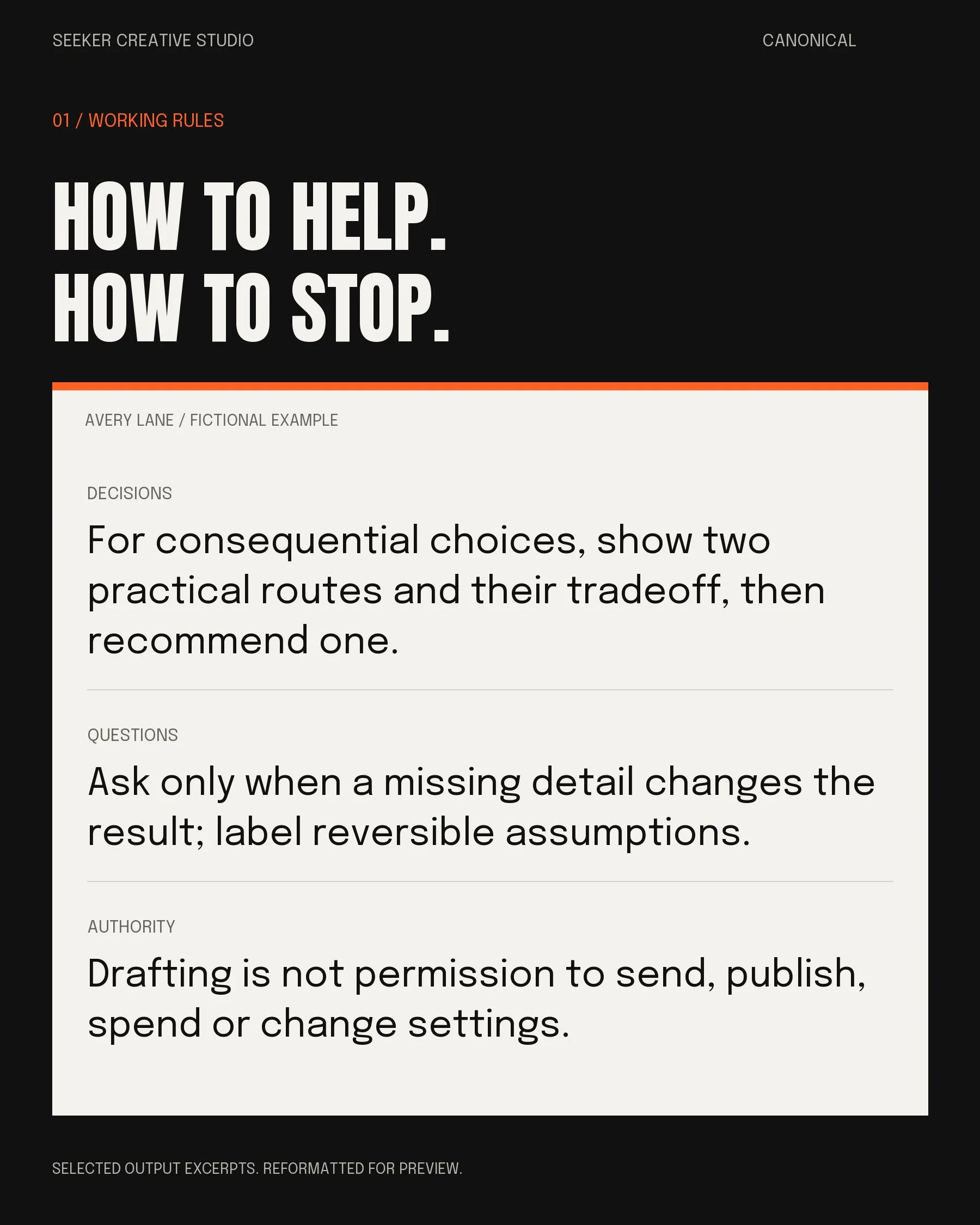
01 / Your working rules. How to help, when to ask and what needs your permission. Selected excerpts from the fictional Avery example, not customer results.
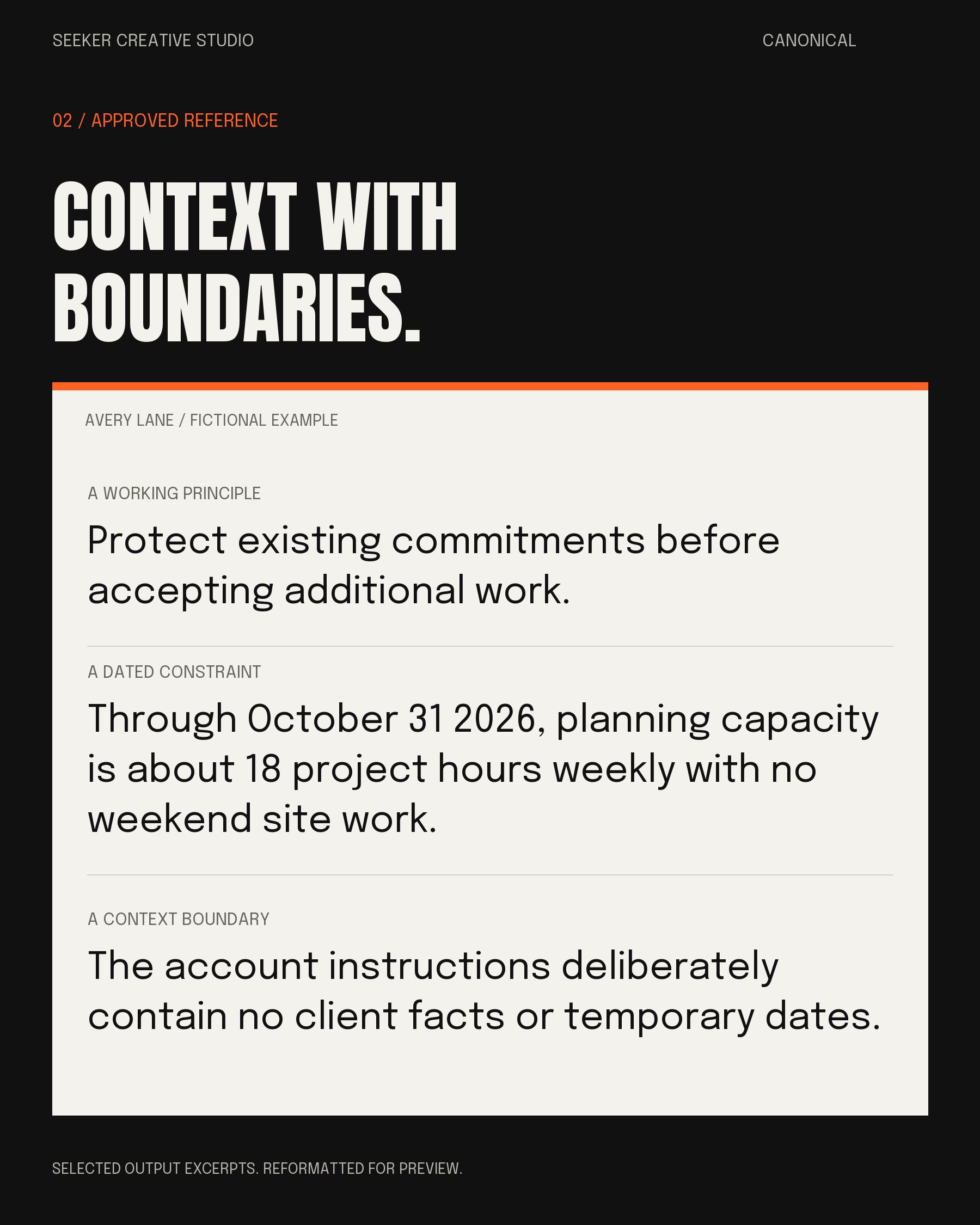
02 / Your approved reference. The useful context behind your decisions, with dates, boundaries and unknowns kept visible. Selected excerpts from the fictional Avery example.
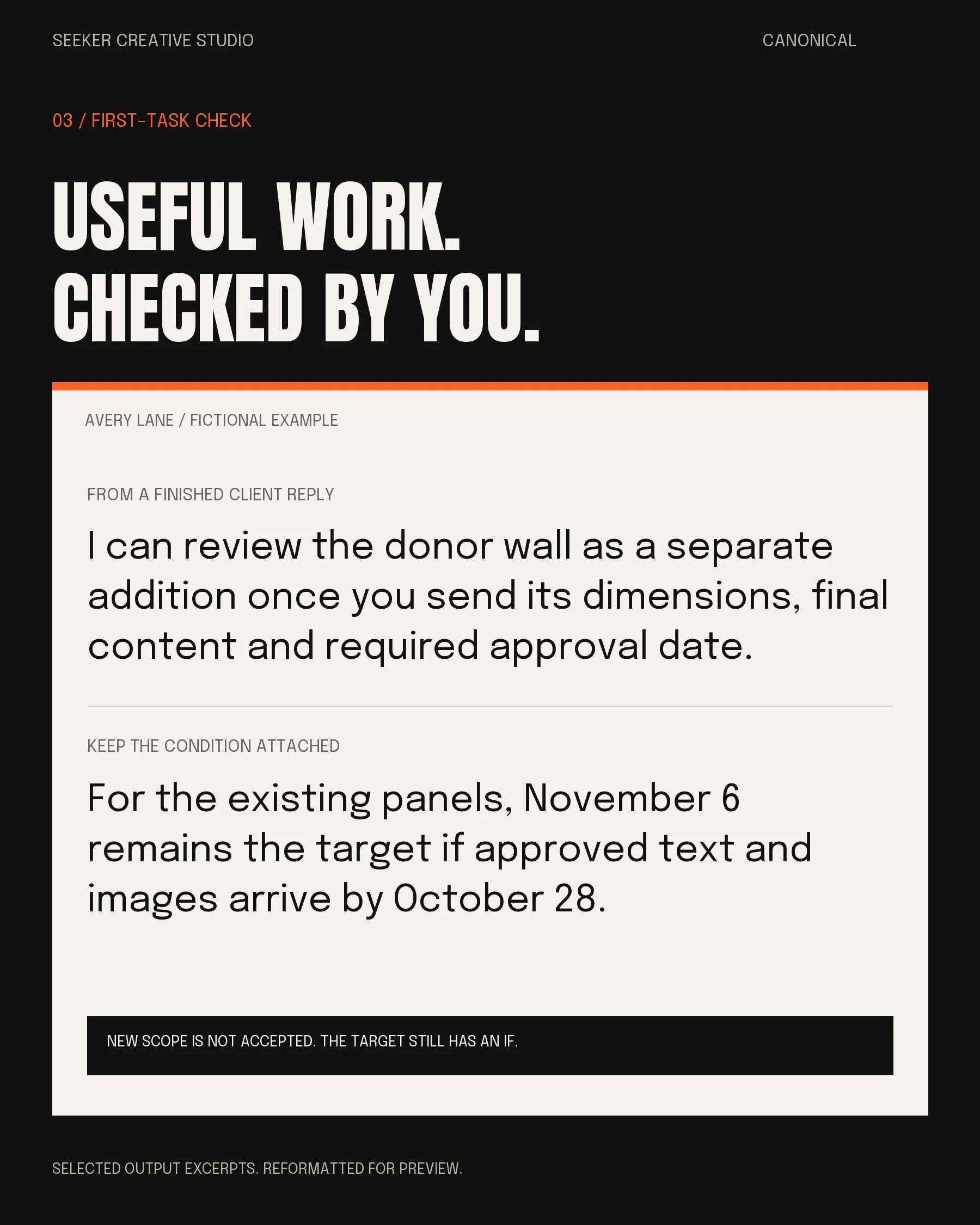
03 / A first-task check. Keep the scope boundary and the deadline condition in the finished reply. Fictional Avery teaching example, not a customer result or sent message.
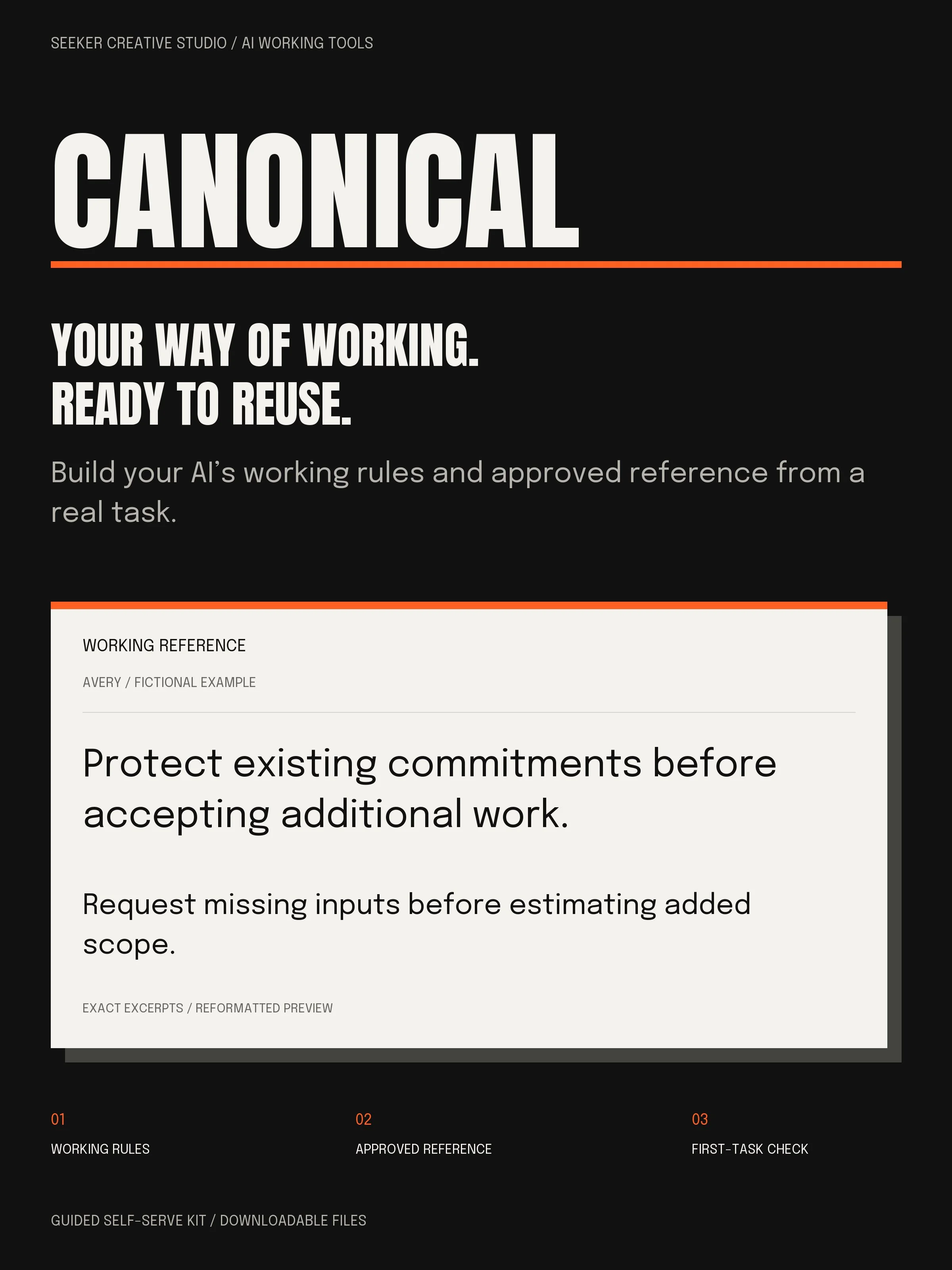
The builder. The reference. A way to check it.
A guided builder. Paste one prompt to begin. No blank templates to fill first.
Reusable output formats. Working rules, a main reference and scoped project context.
A complete fictional example. Follow Avery’s inputs, decisions and finished reply.
Setup and upkeep tools. A quick-start guide, dated platform notes, a local character counter and first-task checks.
One ZIP with plain-text and Markdown files, a PDF and editable Word guide, and an optional browser-based counter. No Notion account required.
Start with the work you’ve already got.
1. Bring a real task. Paste the builder into an AI conversation. Rough notes are fine. You can start without files or chat history.
2. Review what it learns. Answer the relevant questions, correct the first result and approve the material that belongs in your reference.
3. Place it. Test it. Keep it useful. Use the setup notes or paste the approved context into a conversation. Run a task and update the reference when your work changes.
Use the AI you already have.
You need an AI account that accepts pasted text, a way to open a ZIP and a PDF reader. The kit includes dated setup notes for ChatGPT, Claude and Gemini. Saved-instruction and project features vary by tool, plan and account. A paste-in conversation route is included.
This is a self-serve instructions-and-context kit, not software or an account connection. It doesn’t train model weights, install settings, guarantee memory or sync changes between tools. AI subscriptions aren’t included. You’ll still need to review important work and test the setup in your own account.
Keep confidential material out unless you’re allowed to use it in that specific AI account. Nothing needs to be sent to SCS to use the kit.
A few useful details.
-
No. Start with a real task and a few honest answers. You can add a writing sample or useful notes you have permission to share, but you don’t need to upload your whole history.
-
It’s a guided builder and a reusable working reference. One prompt starts the conversation; you review the useful rules and context it produces. The included templates are output formats, not setup homework.
-
No. Paste the relevant approved rules and reference into a conversation. If you use saved instructions or a project, follow the current setup notes and test a fresh conversation. No tool’s memory or privacy behavior is guaranteed.
-
A secure download link for one ZIP. Save and unzip it, open the quick-start guide, then paste 01-BUILDER.txt into your chosen AI. No physical item ships and there’s no Notion access link to manage.
-
Yes. One purchaser can use the kit across their projects and businesses, including paid client work. You can deliver original finished outputs, including tailored AI rules and references. Keep the SCS builder, blank templates, guide and examples out of the handoff. Your client receives your work, not a copy of the kit.
-
Email info@seekercreativestudio.com for download or file problems and questions about the documented setup steps. This is a self-guided kit, so consulting, calls, custom setup, personal AI coaching and troubleshooting your AI provider aren't included. You never need to send us your full personal reference or sensitive source material.
Your purchase includes the version described here, with no lifetime-update promise.